Tracery AI: Turn Screenshots Into Working Code
Tracery AI is a screenshot-to-code studio. Drop in a screenshot of any website, app or mockup, or describe a screen in a sentence, and Tracery writes the code, runs it beside your design, and takes edits in plain words. It outputs eight frameworks, audits quality, extracts design tokens and exports a ready-to-run project.
- outputs, web and mobile
- 8outputs, web and mobile
- quality modes: fast and precise
- 2quality modes: fast and precise
- areas scored in every audit
- 5areas scored in every audit
- click to export a runnable project
- 1click to export a runnable project
See Tracery AI in action
How it works.
Product teams, agencies and founders who rebuild designs by hand, or need the same screen in more than one framework.
- Step 1
Drop it in, or describe it
Paste a screenshot, or write what the screen should do and Tracery designs it.
- Step 2
Choose the output
Pick a framework. Precise mode adds a second pass that compares the draft with your screenshot and fixes what differs.
- Step 3
Watch it being written
The code streams in live and HTML pages build up in the preview as they are written.
- Step 4
Refine, check, ship
Ask for changes in plain words, compare with your screenshot, run an audit, then export.
A closer look.
Open Tracery AI and try it yourself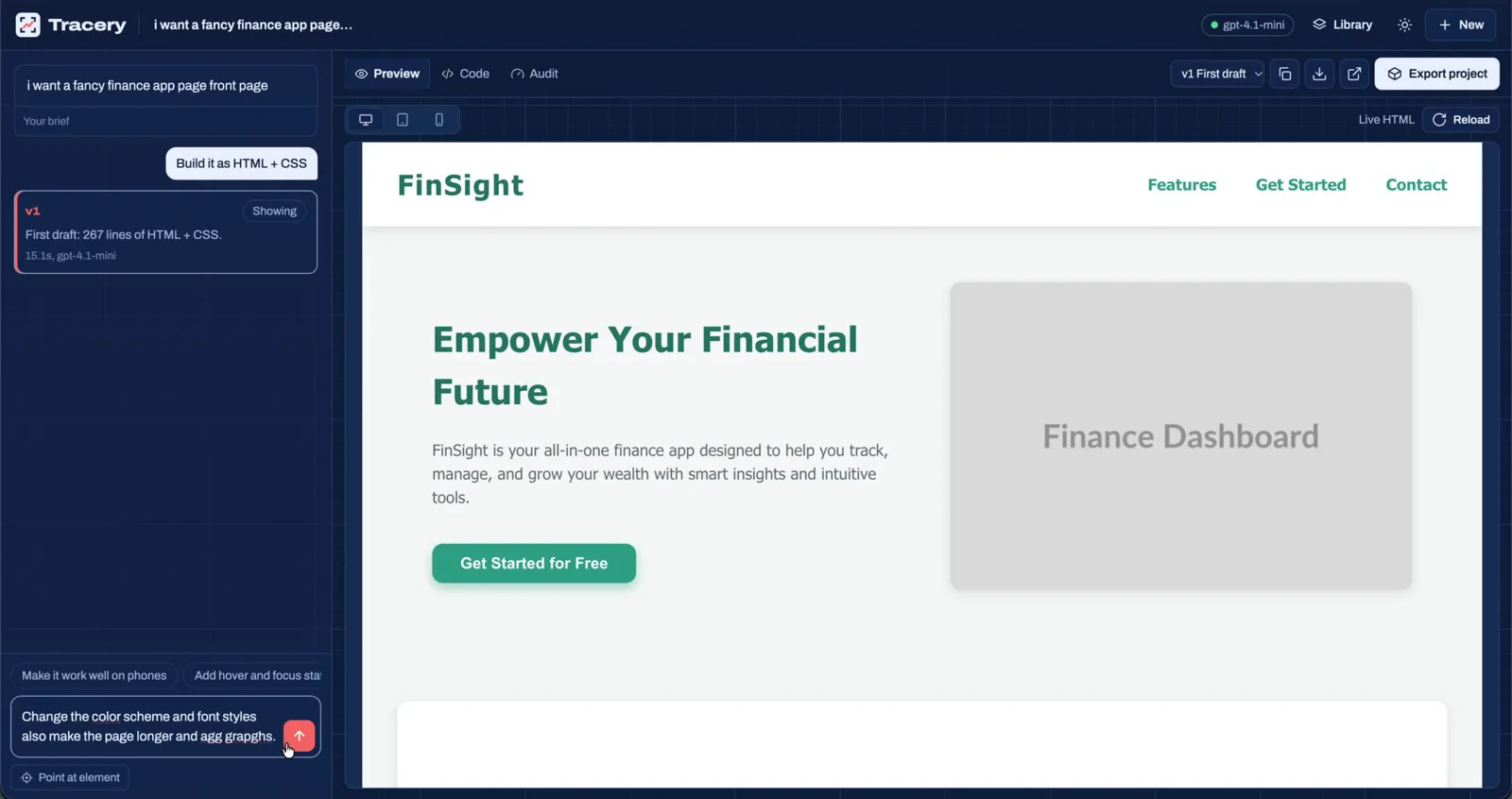
A one-line brief becomes a first draft in the live preview. 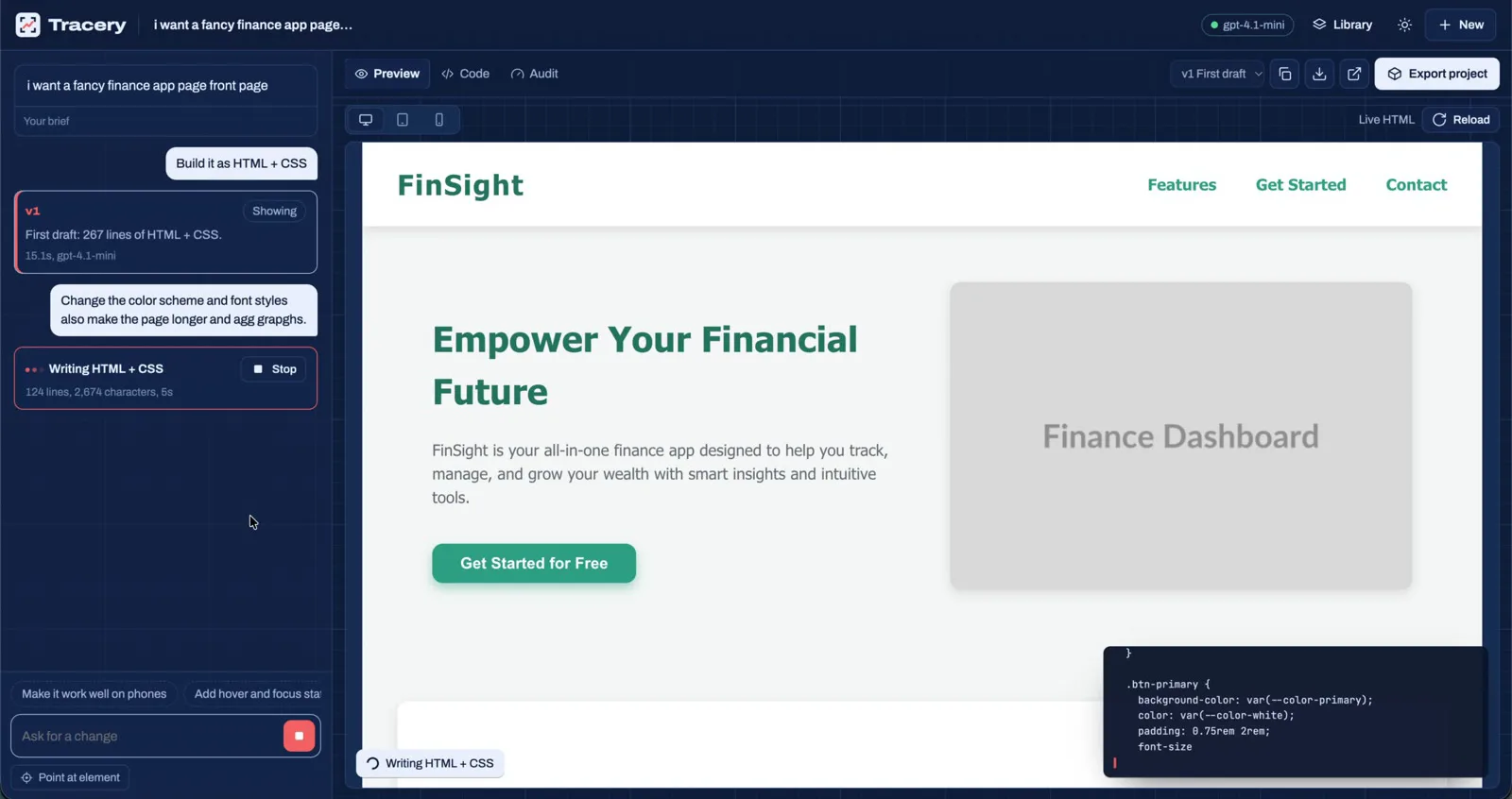
The code streams in while the page builds beside it. 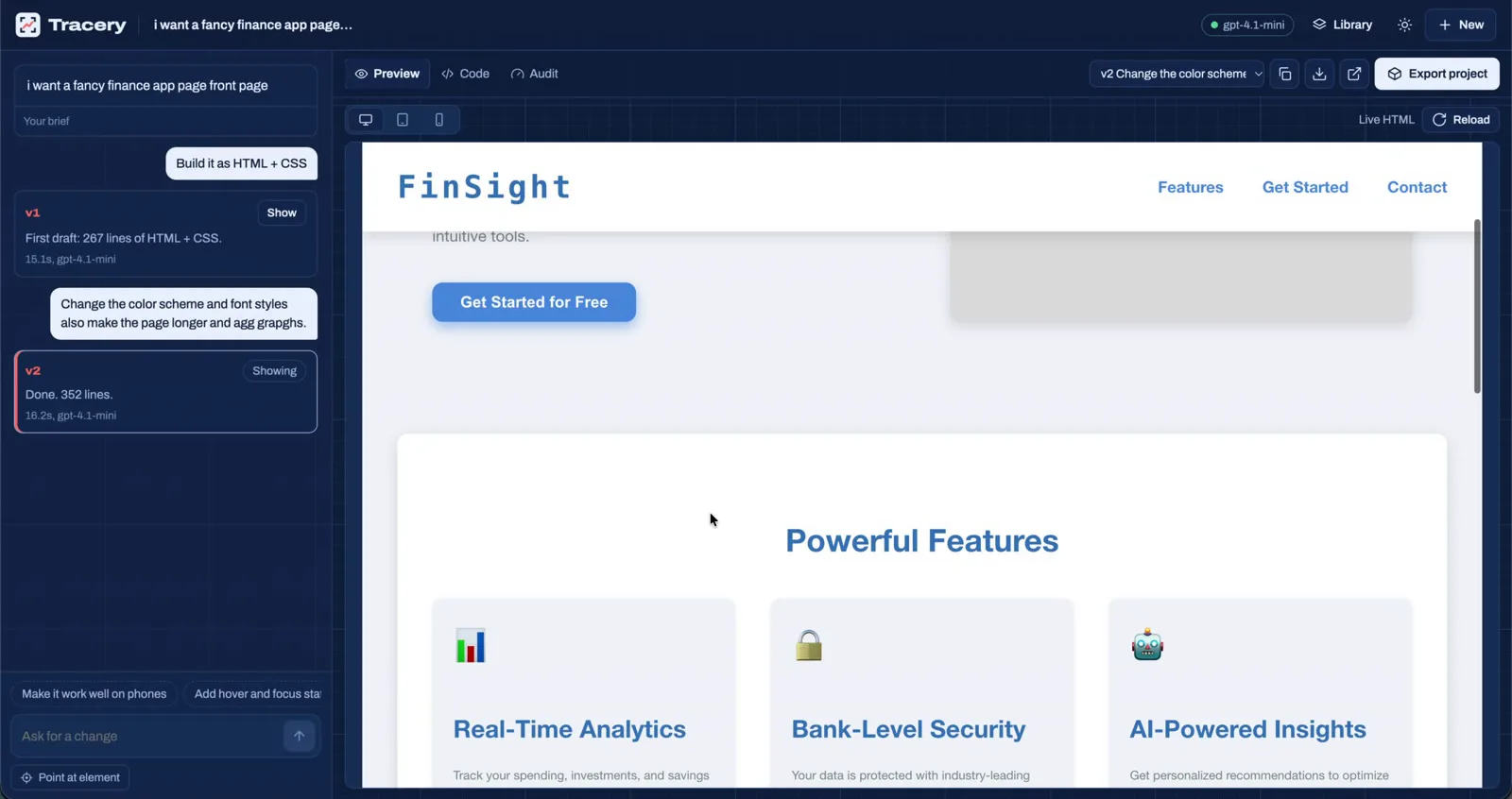
Version 2: new colors, fonts and a longer page, from one plain-English request. 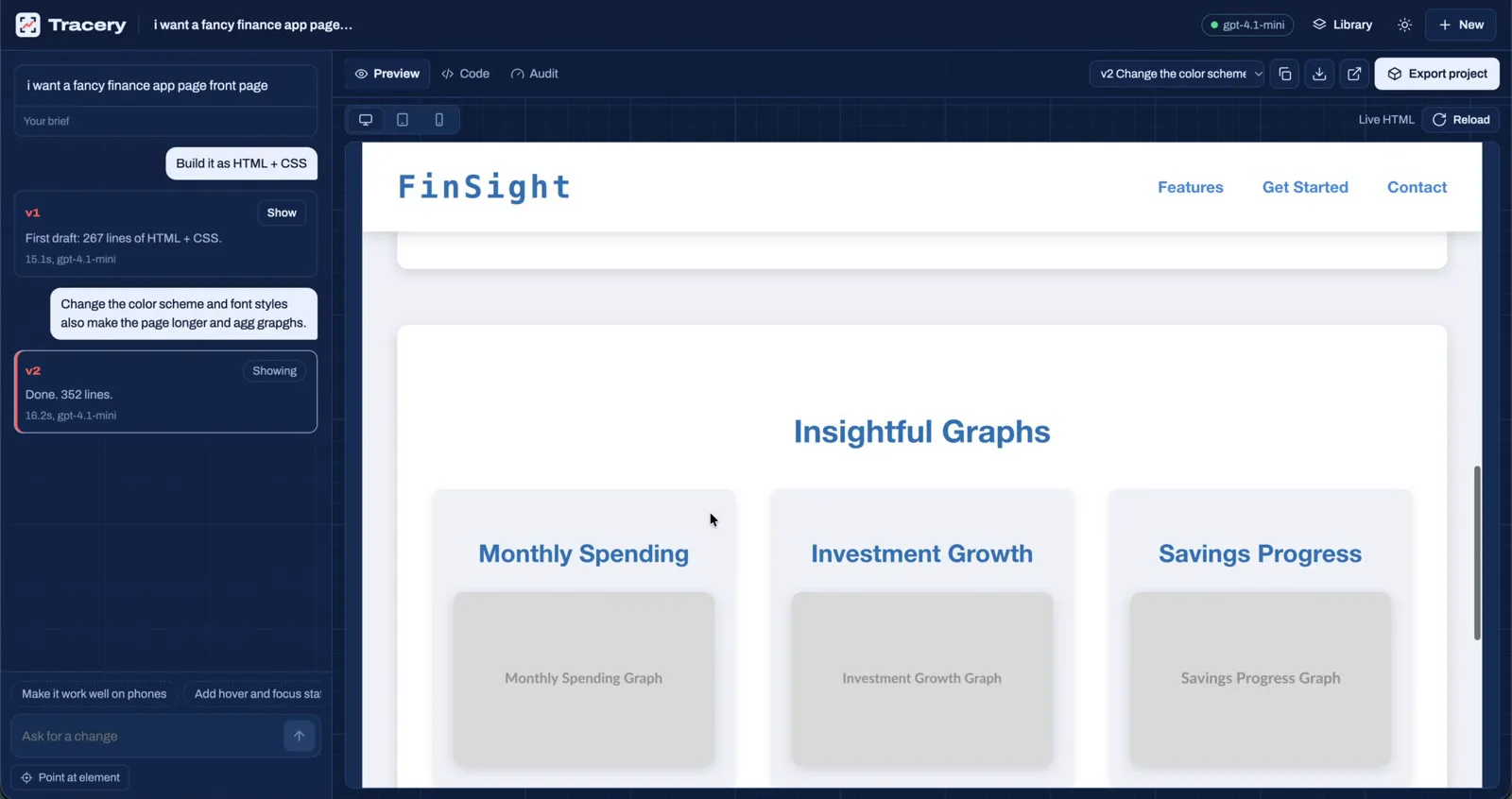
Every version is kept, so you can compare, roll back or export any of them.
What it does
- Point at it, say what to changeClick any element in the live preview and type the change. Tracery rewrites that part and leaves the rest alone.
- Compare with your designSlide, fade or difference views put your screenshot and the running result in one frame at the same width.
- Quality audit with fixesScores accessibility, responsiveness, performance, SEO and code quality, and fixes issues in one click.
- Design tokens from a pictureReads colors, fonts, spacing and corner radius from the screenshot and exports CSS variables or a Tailwind config.
- Convert between frameworksChange your mind later and convert any version to another framework, with the design kept intact.
- A project, not just a fileExport downloads a ZIP with the code, config and run steps. React comes as a Vite project with Tailwind wired in.
Outputs
- HTML + Tailwind
- HTML + CSS
- React
- Next.js
- Vue
- React Native
- Flutter
- SwiftUI
Try it, then make it yours
The live demo is free, with a daily allowance per visitor. Hquadra can adapt Tracery AI to your workflow, connect it to your systems, and run it privately on your own hardware.
Tech specs.
- Input
- A screenshot of a website, app or mockup, or a written brief
- Outputs
- HTML + Tailwind, HTML + CSS, React, Next.js, Vue, React Native, Flutter and SwiftUI
- Quality modes
- Fast (one pass) or Precise (a second pass checks the result against your screenshot)
- Live preview
- HTML, React and Next.js, compiled in the browser
- Editing
- Chat, point at an element in the preview, or the built-in code editor
- Audit
- Accessibility, responsive layout, performance, SEO and code quality
- Design tokens
- Exported as CSS variables, a Tailwind config or JSON
- Export
- A runnable project ZIP with its config and a README
- AI models
- Any OpenAI-compatible model: OpenAI, Google Gemini, OpenRouter or a local Ollama
Questions about Tracery AI.
What can I give Tracery?
A screenshot of any website, app screen, dashboard or design mockup, or a written description of a screen that does not exist yet. Both accept an optional note, such as a brand color or a dark theme.
Which frameworks does it write?
HTML with Tailwind, HTML with CSS, React, Next.js, Vue, React Native, Flutter and SwiftUI. Any version can be converted to another framework later.
How close is the result to my screenshot?
Fast mode writes the screen in one pass. Precise mode then compares its own code with your screenshot section by section, checking structure, colors, spacing, type, radius, shadows, icons and every word, and fixes the differences.
Is the demo free?
Yes. Each visitor gets a daily allowance of free AI runs. For team use or a private install, contact Hquadra.
Other products
Tell us what you want AI to do.
Book a free 30-minute call. We will ask about your process and data, and tell you plainly whether AI is a good fit and what it would take.
or email info@hquadra.com